Library Settings / Library Settings / Basic Settings / Filter location filter for the following user types
This setting filters the available libraries that a student, teacher or Employee will see depending on the location in which they are registered.
If you do not choose something then there will be no location check, all books will be available to everyone.
Book locations are filtered by the library to which they belong.
To create a new library or configure the location, you must go to Library Settings / Dropdown lists, as shown below.

Example
Setting -> Students, Teachers, Employees
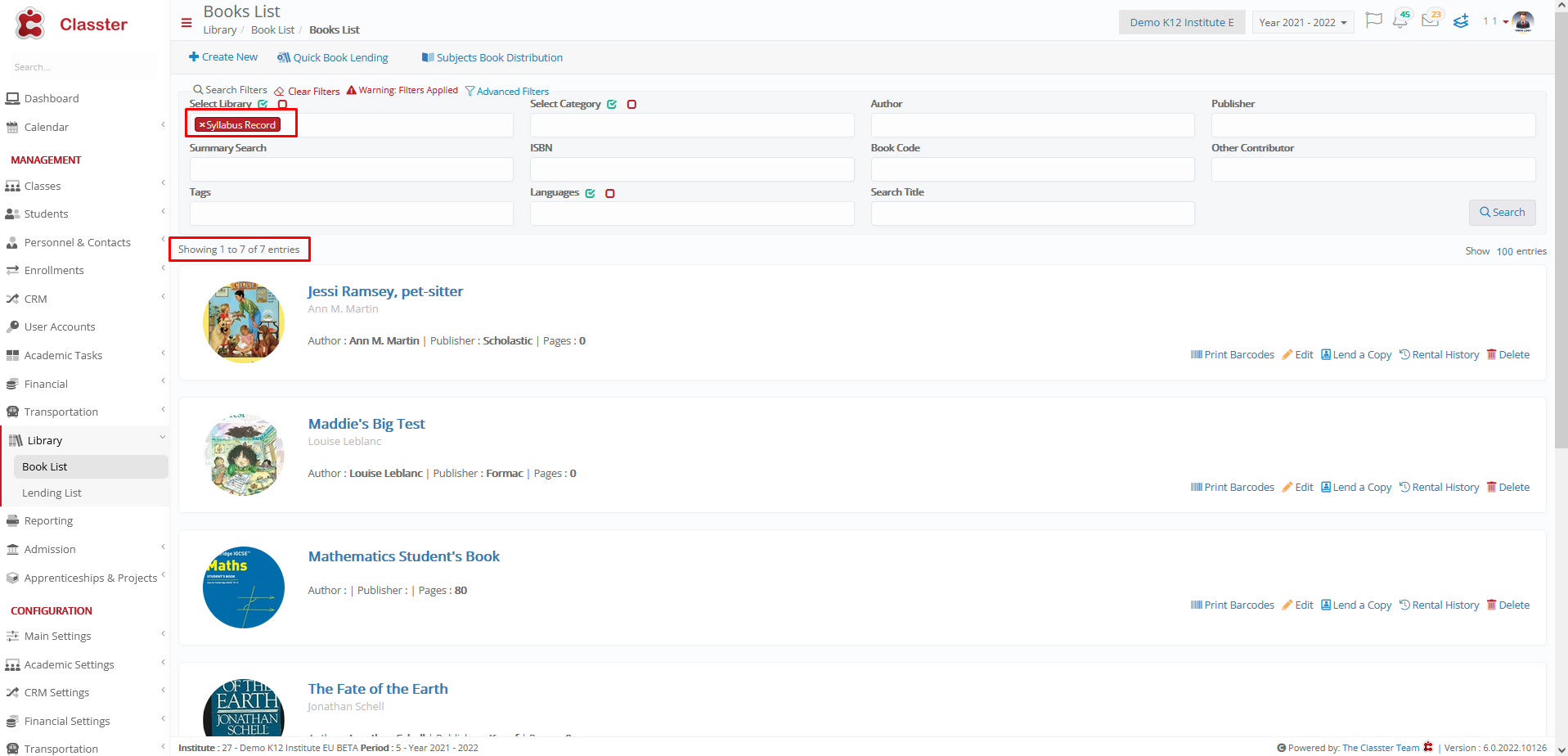
The library Syllabus Record belongs to the Senior Secondary School Location, so students, teachers and employees for these locations can see the books for the syllabus Record library.
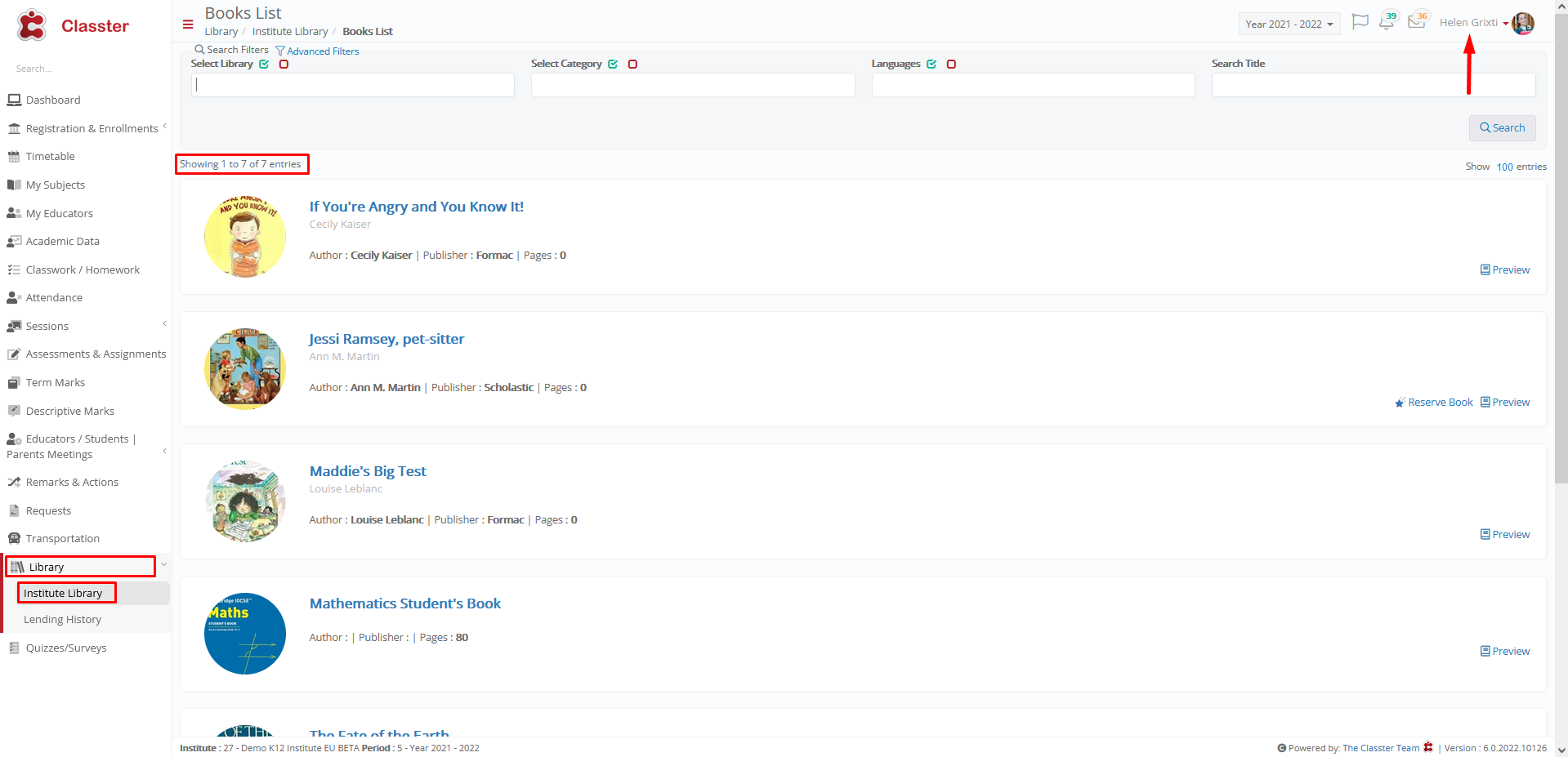
7 books are available in this library
Student Helen Grixti is registered in Senior Secondary School, so she has these 7 books available.