Admission / Admission Settings / General Admission Settings / Applicants Portal / Personal Data
Here, you can choose whether the “other” option will appear in the gender selection on the admission form.
If the setting is active, the other option disappears.
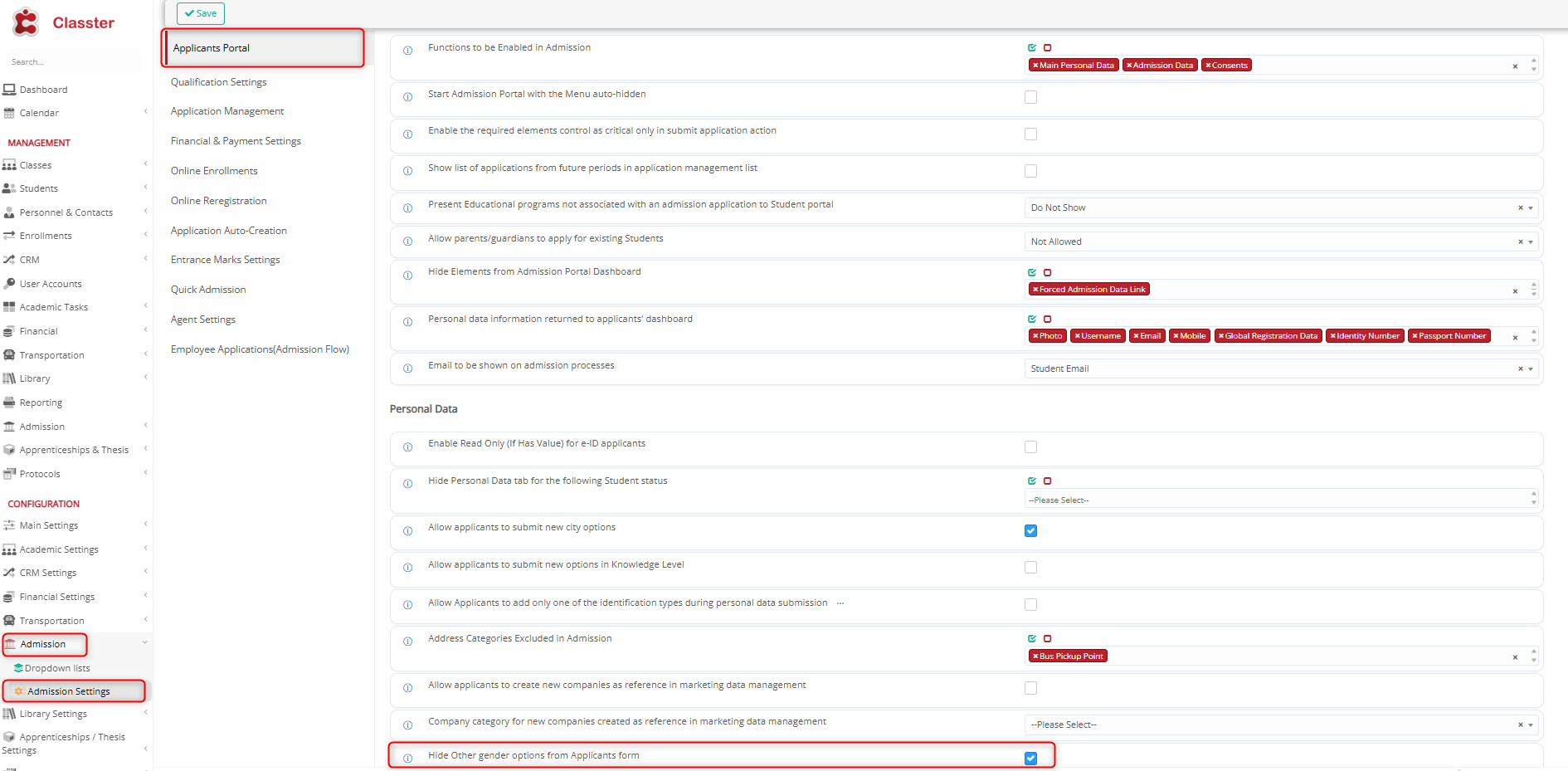
Setting -> Active

Setting -> Inactive