


Academic Settings / Sessions & Homework / General Settings / Sessions / Notifications / Default Message Category
You must have enabled the (Enable Save & Send Message on session scheduling) option in Academic Settings / Sessions & Homework / General Settings / Sessions / Notifications.
Setting -> Active -> Push Notification
Teacher created a new session and pushed Save and Send Message (Figure 1)
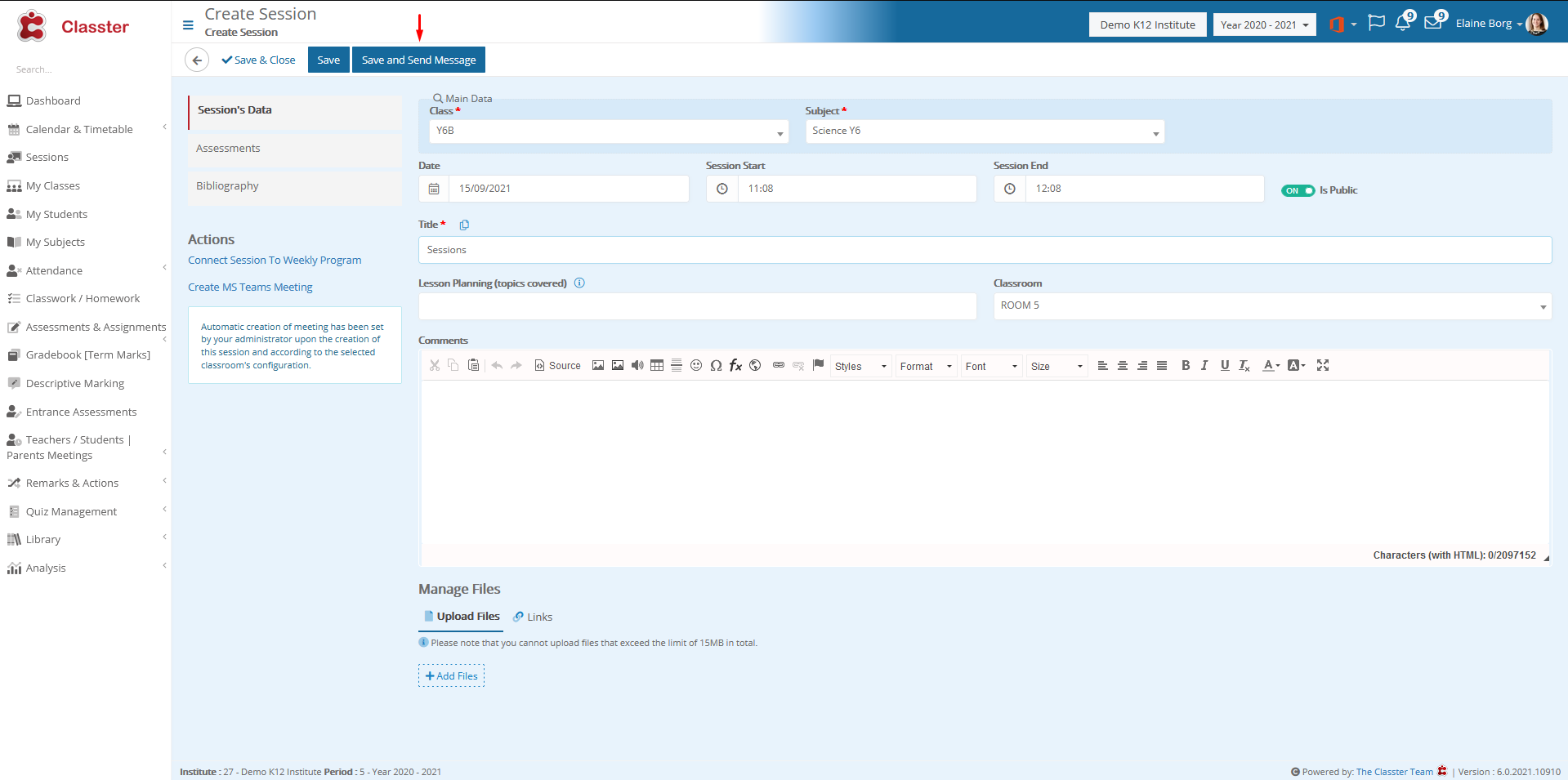
Figure 1
Student receive internal message notification(Figure 2)
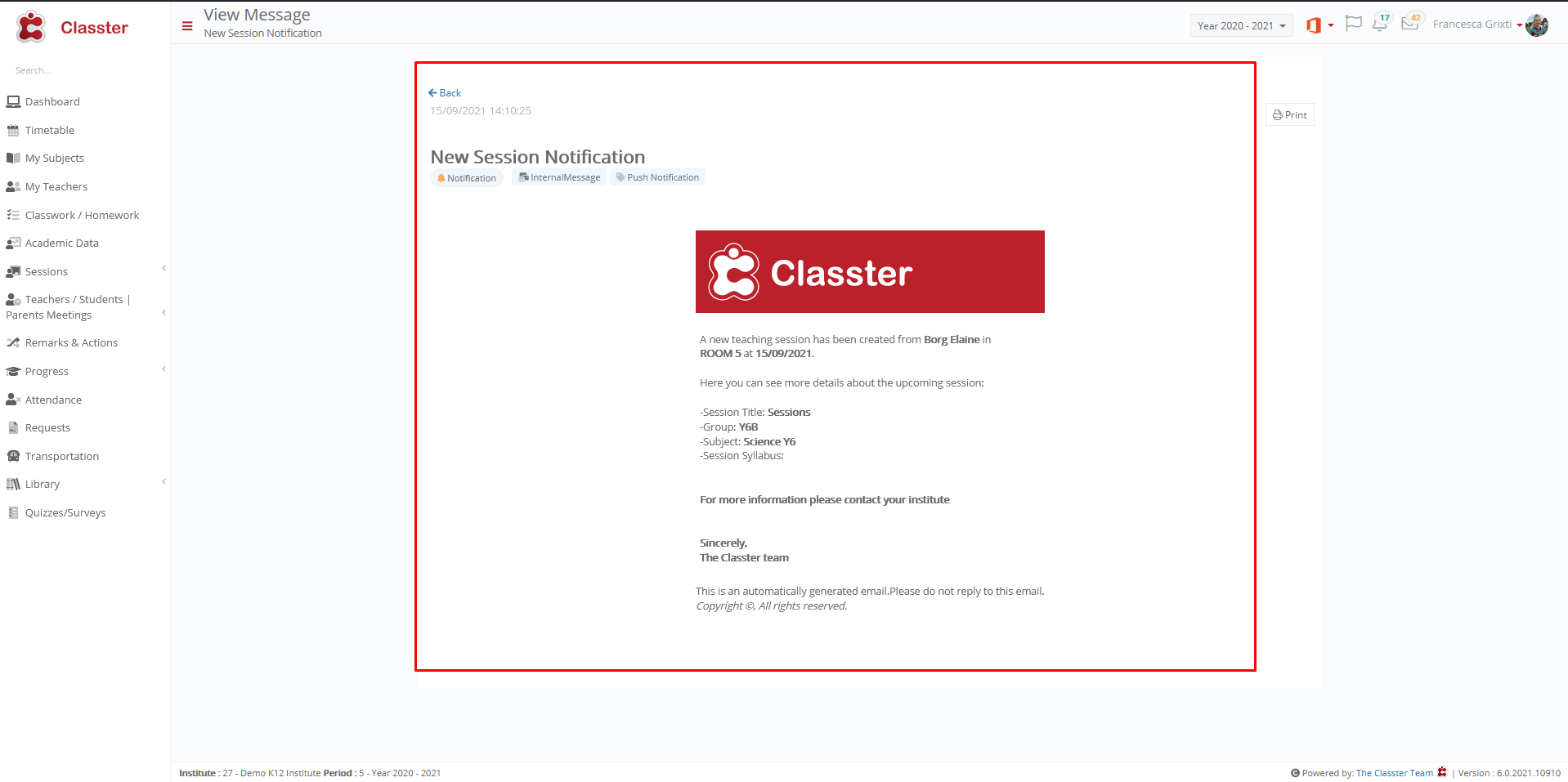
Figure 2
Setting -> Inactive
The student does not receive notification.
